How to Scope an Industrial VR Training Pilot
First confirm VR is the right tool. Then start with one real procedure and a decision your team needs to make, so the pilot tests operating assumptions before the full program is built.
On This Page
An industrial VR training pilot should resolve uncertainty. It is not simply a short version of the final simulator. The first question is whether VR is the right tool at all. The next is which interaction, assessment or deployment assumption must be demonstrated before your team can fund the next phase.
When VR Training Is the Right Tool
VR training places the learner inside a computer-generated 3D version of the workspace. Three qualities set it apart from a video or a screen: immersion, because the real room drops out of view; presence, because the space reads at real scale; and interaction, because learners grab, turn and assemble objects with their own hands.
VR earns its place when practicing in the real setting is limited in one of these ways:
- It is dangerous: high voltage, heavy machinery or emergency response.
- It is costly or hard to reach: a running production line, unique equipment or a remote site.
- It is impossible: inside running equipment or on a line that is not built yet.
- It is learned by hand: procedures, assemblies and muscle memory.
It is a weaker fit when:
- Many people must train at the same time.
- Sessions run long.
- The content is mostly text, tables and menus.
- Training must reach people through a link, not shipped equipment.
- Your site cannot support headset charging, updates, cleaning and clear floor space.
- Some learners cannot or prefer not to wear a headset.
In those cases desktop 3D, augmented reality or a web experience may reach the same goal with less friction.
Choose One Workflow and One Audience
Choose a repeatable procedure where equipment access, safety, consistency or the need for guided practice creates a training constraint. Document the learner's starting knowledge, the workstation and the decisions they must make. Invite a process expert and representative learners to review the scope.
- A current procedure and its important decision points.
- Approved CAD, drawings, photographs or reference access, with permission to use them.
- Known errors, safety boundaries and the actions that require assessment.
- Target devices, physical training space and an IT contact.
Separate Guided Practice from Assessment
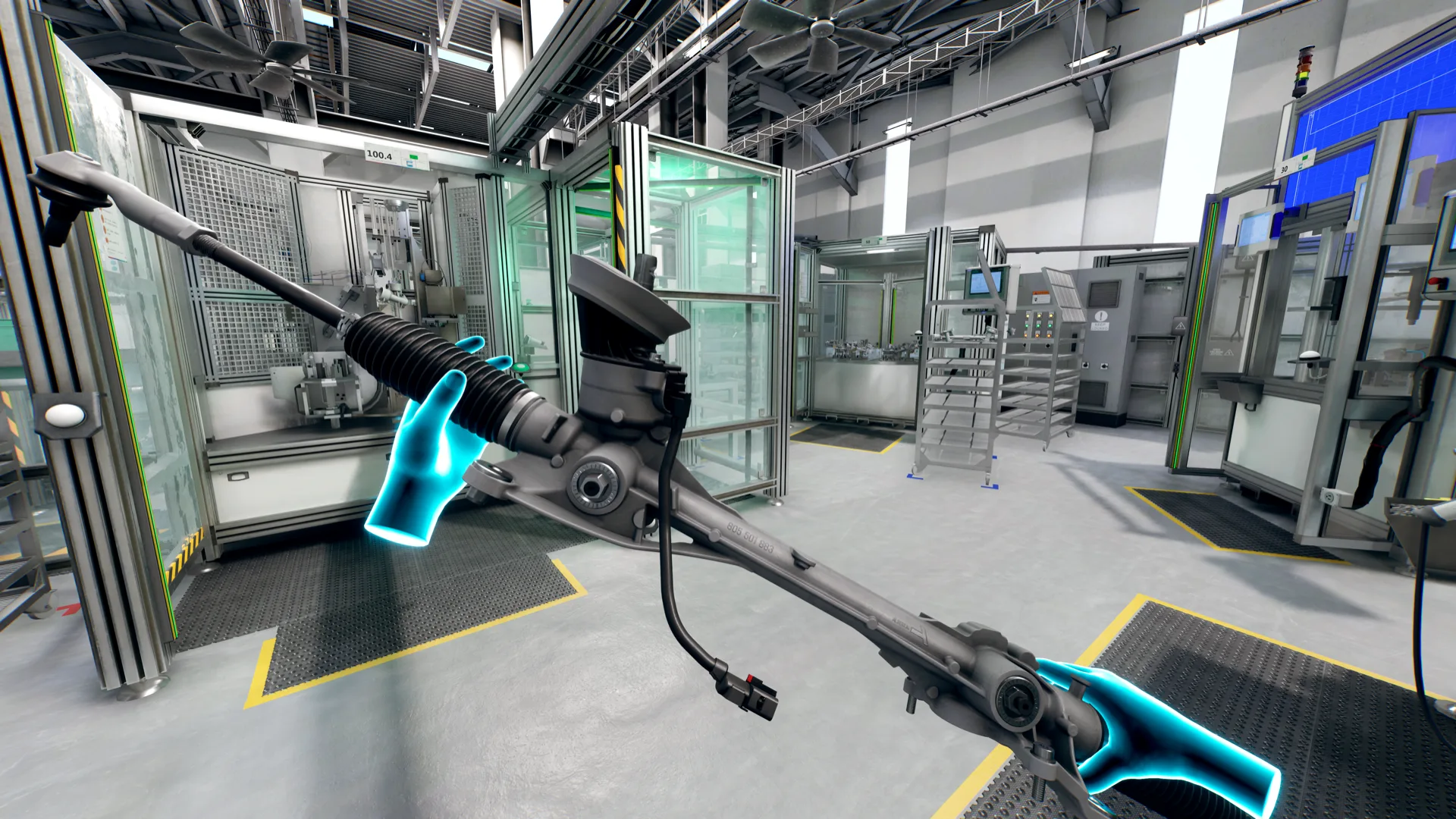
Decide where narration, highlights and corrective feedback help a first-time learner. Then define what the learner should perform independently. Our Bosch production-line case uses guided practice and a separate assessment sequence, recording errors and completion time. Those records describe performance in the simulation; they do not by themselves prove improved real-world productivity.
Test the Operating Model
The pilot is where you confirm your site can run headsets day to day. Validate headset tracking, interaction accuracy, comfort and reset behavior on the intended device. Decide who starts each session, cleans and charges equipment, reviews results and handles an update. If an LMS connection is needed, agree on the learner identifier, completion rule and data exchange before promising an integration.
Agree on an Evidence-Based Next Step
Write acceptance criteria before production begins: learners can complete critical actions, reviewers can interpret assessment records, and the deployment works within site constraints. Measure baseline performance with a comparable task where feasible. Report sample size and limitations rather than attributing a business outcome to the headset alone.
A first project call can establish a prototype direction, required inputs and the decisions to test. The prototype itself is a separately scoped development phase. Its schedule and cost depend on content, interactions, devices, integrations and review requirements.
Plan a Related System
Have a complex project to define?
Bring us the workflow, product, or training challenge. We will help you turn it into a clear, buildable first phase.
Continue Exploring

Production Line VR Training for New Operators
A role based VR training experience for Bosch that introduces new production line employees to their work area, then evaluates the sequence independently.
VIEW CASE STUDY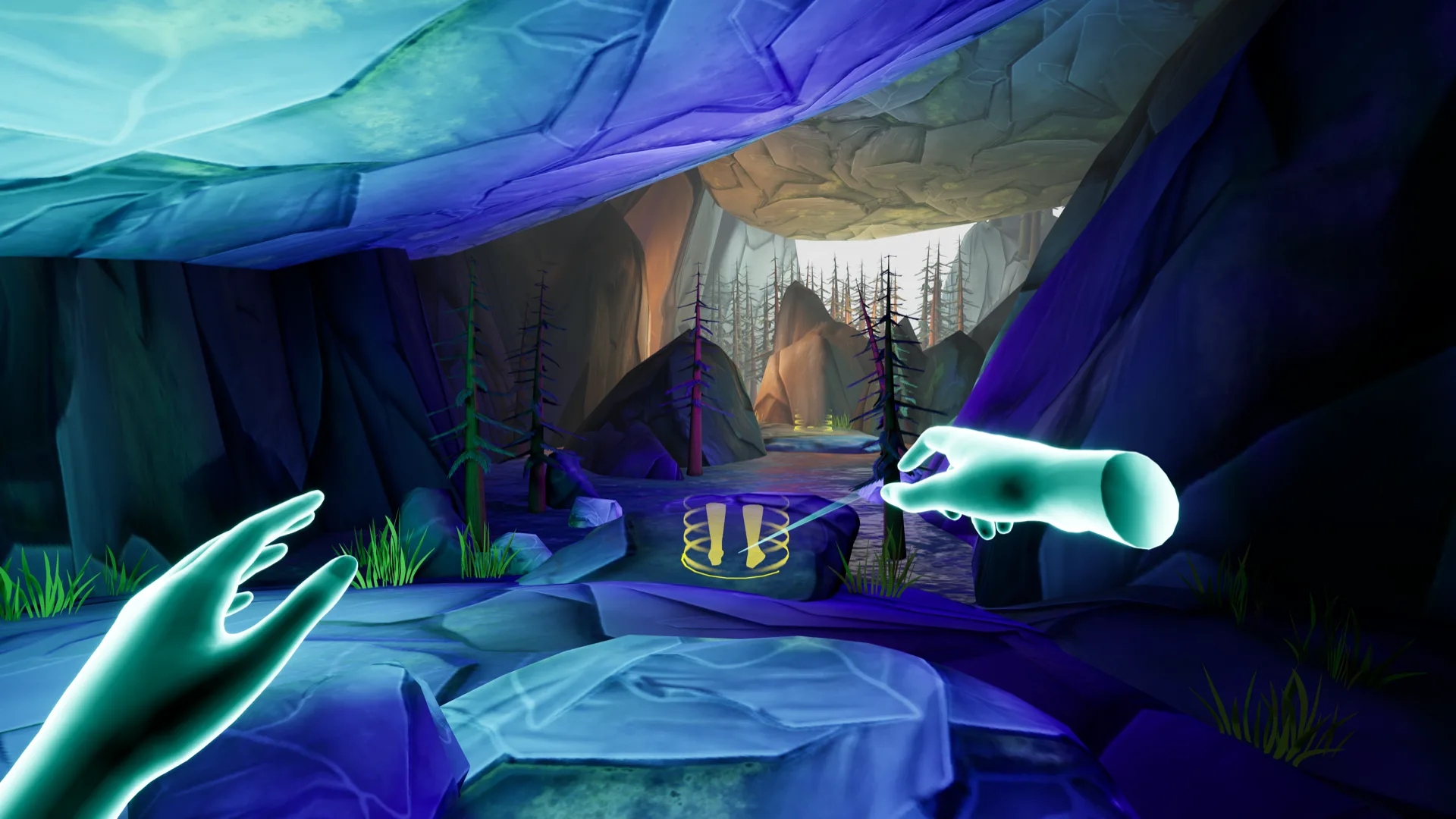

Road 2 VR: Learn VR Through Vehicle Repair
A VR onboarding experience for ETAS that teaches basic navigation before a guided vehicle fuse replacement procedure.
VIEW CASE STUDY