Web 3D or a Native Application: Define the Deployment First
The right platform follows the viewing conditions and operating model. Define access, devices and updates before deciding how the 3D experience should run.
On This Page
An interactive 3D system can help a buyer inspect a product, a professional explain anatomy or a team evaluate a space. Choosing a browser or an installed application starts with the audience and the decisions they need to make, not a technology preference.
Map Access and Device Constraints
Browser delivery can reduce installation steps for customers opening a link. It still needs validation on their actual browsers, devices and networks. An installed application may fit a controlled device fleet or a workflow with specific hardware and offline requirements. Neither option guarantees offline access without an explicit design.
- Who opens the experience and where they use it.
- Minimum supported devices and browsers.
- Connectivity and offline requirements.
- Required input methods, tracking or peripheral access.
- IT rules for installing software and distributing updates.
Prototype with Representative Content
Use a representative model to test loading, visual detail, selection and information hierarchy. CAD intended for engineering is not automatically ready for interactive delivery. Asset preparation, material complexity and the number of visible parts affect the system's budget on either platform.
Plan Data and Updates Together
Identify which information changes, who approves it and how releases reach the audience. A catalog, configuration tool or technical presentation may need integration with existing data. Define access permissions, update responsibilities and acceptance checks alongside the 3D interactions.
Compare Complete Operating Costs
Compare content production, application development, hosting or distribution, device management, integrations and ongoing updates. The useful comparison is the cost of operating the complete workflow. Avoid assuming the browser option is always cheaper or that a native application is always more capable.
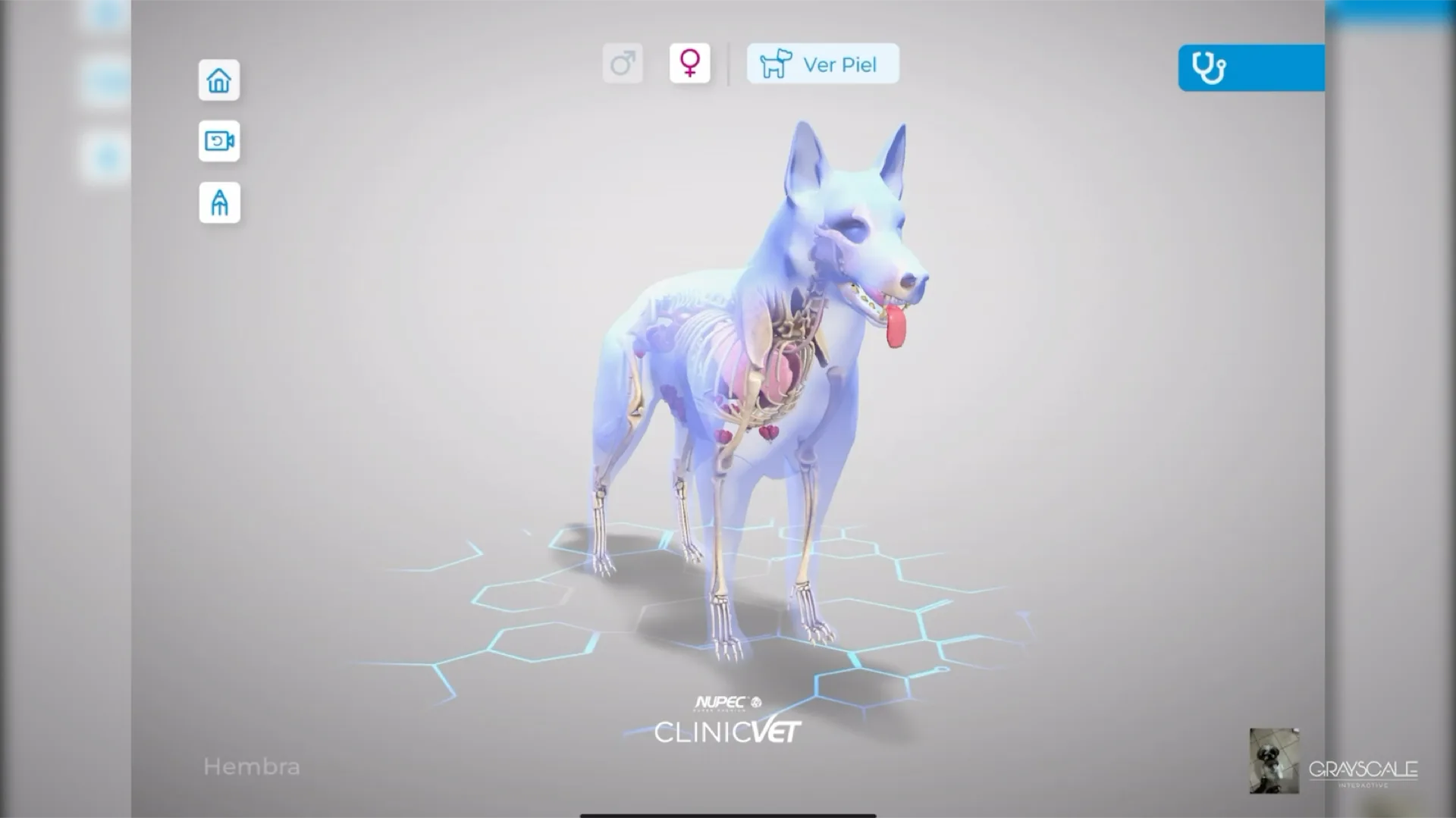
ClinicVET shows how interactive anatomy and annotations support a professional conversation. Xentric shows architectural and site information in a shared visual narrative. These are examples of purposeful interaction, not evidence that every deployment should use the same technology. Bring the audience, sample assets and deployment constraints to the first project conversation.
Plan a Related System
Have a complex project to define?
Bring us the workflow, product, or training challenge. We will help you turn it into a clear, buildable first phase.
Continue Exploring

ClinicVET: Clearer Canine Health Conversations in 3D
A custom application that gives veterinary professionals interactive 3D anatomy, condition comparisons, and annotations to support client conversations.
VIEW CASE STUDY

Xentric: Seeing a Development in Context
A 3D development visualisation for Wolstrat that brings together architectural, site, and aerial views for a more grounded first impression.
VIEW CASE STUDY